
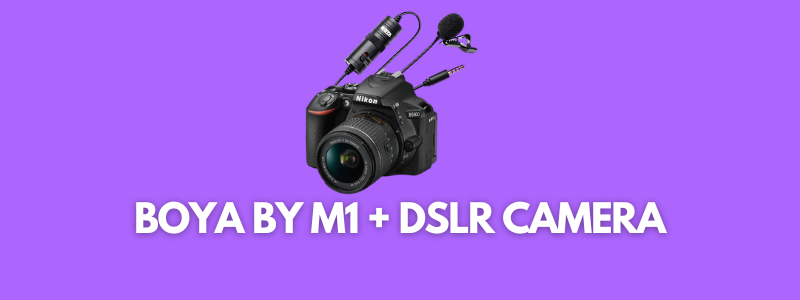
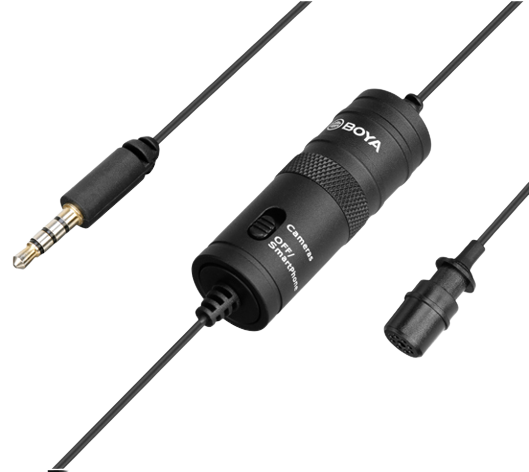
Are you wondering whether or not the BOYA BY M1 microphone works with DSLR cameras? Well, it’s designed for both DSLR cameras and smartphones. However, our testing showed the results otherwise.
The BOYA BY M1 collar microphone from BOYA is designed for both DSLR cameras and smartphones. However, in our experience, it didn’t work with DSLR cameras. In fact, it only worked with Android smartphones. So the answer is that the BOYA BY M1 doesn’t work with DSLR cameras.
No doubt, it’s a good mid-range collar microphone for recording YouTube, Instagram, and TikTok videos, but it doesn’t work with DSLR cameras.
Even though the collar mic box says it’s a clip-on mic for smartphones, camcorders, DSLRs, audio recorders, and PC, we found out that it only works with Android phones.
We double-checked with several DSLR cameras that include Canon 6D, Canon M50, Canon 200Dii, and Nikon D5300, but the result was the same.
If you’re going to buy the BOYA BY M1 collar microphone for video recording, make sure that you’re shooting videos with your Android phone. Otherwise, you’d end up wasting money on it.
We have been using this collar mic for over two years, and it’s working quite well. However, the only downside is that we have to record the audio on our Android phone.
FAQS about BOYA BY M1 Collar Mic
Let’s take a look:
How do I connect my Boya BY M1 to my Camera?
First things first, make sure that this collar mic works with your DSLR model. And if it does, then you’re all set. Simply insert the 3.5mm connector (jack) into the microphone input in the DSLR camera.
How long does the Boya BY M1 battery last?
It has an LR44 battery, which might drain out quickly depending on the usage. However, in our experience, it lasts for a good 40-50 minutes. Maybe it’d last longer for you, but it’s difficult to come up with a number.
Which MIC is best for a YouTube video?
There is no definite answer to this question. It depends on the requirement. Some may need a directional microphone for vlogging or a condenser microphone for podcasting. You may want an omnidirectional condenser collar for YouTube videos. So the best mic would vary from person to person.
How do I connect my Boya M1 mic to my computer?
Most of the computers and laptops don’t have an audio input because the latest microphones have USB or wireless connectivity. You could only connect BOYA BY M1 to your laptop if you have an older laptop or computer with a separate audio input for a mic.