
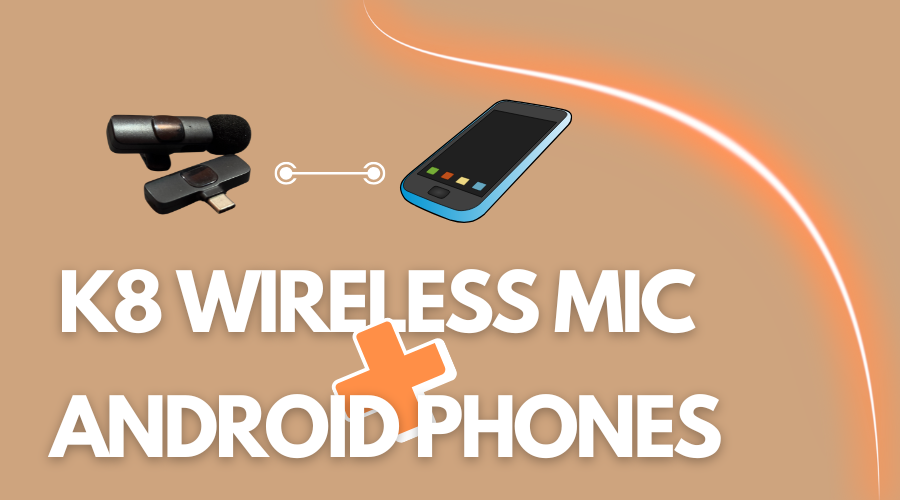
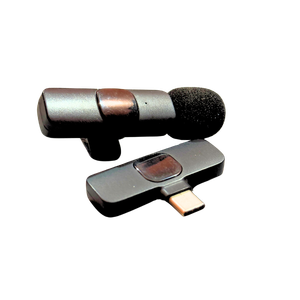
The K8 wireless microphone comes with a pin for the USB-C port. Almost all the latest Android phones now have a USB-C port. So, the K8 wireless microphone would connect and work with Android phones.
However, the K8 wireless microphone box includes a micro USB switch/cable for older Android phone models, so this collar mic can be connected to every Android phone device.
The K8 wireless microphone is an excellent collar mic for YouTube videos, interviews, voiceovers, and vlogging. It’s a low-priced, wireless collar microphone for beginners who don’t want to invest much in the camera gear just yet.
This collar mic has been quite handy for vlogging purposes as well. So, if you’re into vlogging with your Android phone, you can get yourself this K8 wireless microphone to crank it up a notch.
The K8 wireless microphone comes with a transmitter (collar mic), receiver, extension switches for iPhone and Android, and a Type-C data cable.
As far as the microphone’s range is concerned, it has 20 meters of accessible reception. We managed to test the K8 wireless microphone at approx. 14 to 16 meters distance, and its performance was flawless at that point.
How to Connect the K8 Wireless Microphone to an Android Phone
It’s a plug-and-play wireless microphone. Here’s how you can connect the K8 wireless microphone to your phone:
Step #1: Add the iPhone or Android Switch
The K8 wireless microphone comes with two extra switches for iPhone and Android devices. This microphone has a USB-C port, so phones with a USB-C port don’t need to add the switch.
If your phone has a Type-C port, you can directly go to step two.
Step #2: Connect the receiver to the phone
Connect your receiver to your phone. All you need is to simply plug the receiver into the phone.
Use the appropriate adapter if you’re using a non-Type-C Android phone or an iPhone.
Step #3: Press the power button
Once the receiver is connected to the phone, turn on the microphone. The power button is on the transmitter. Give it a few seconds to connect with your phone.
Step #4: Wait for the green light
The red light on the transmitter (collar mic) means the receiver isn’t properly connected to the transmitter.
Once both devices are properly connected, the light on the transmitter will turn green.
That’s it. You have now successfully connected the K8 wireless microphone.